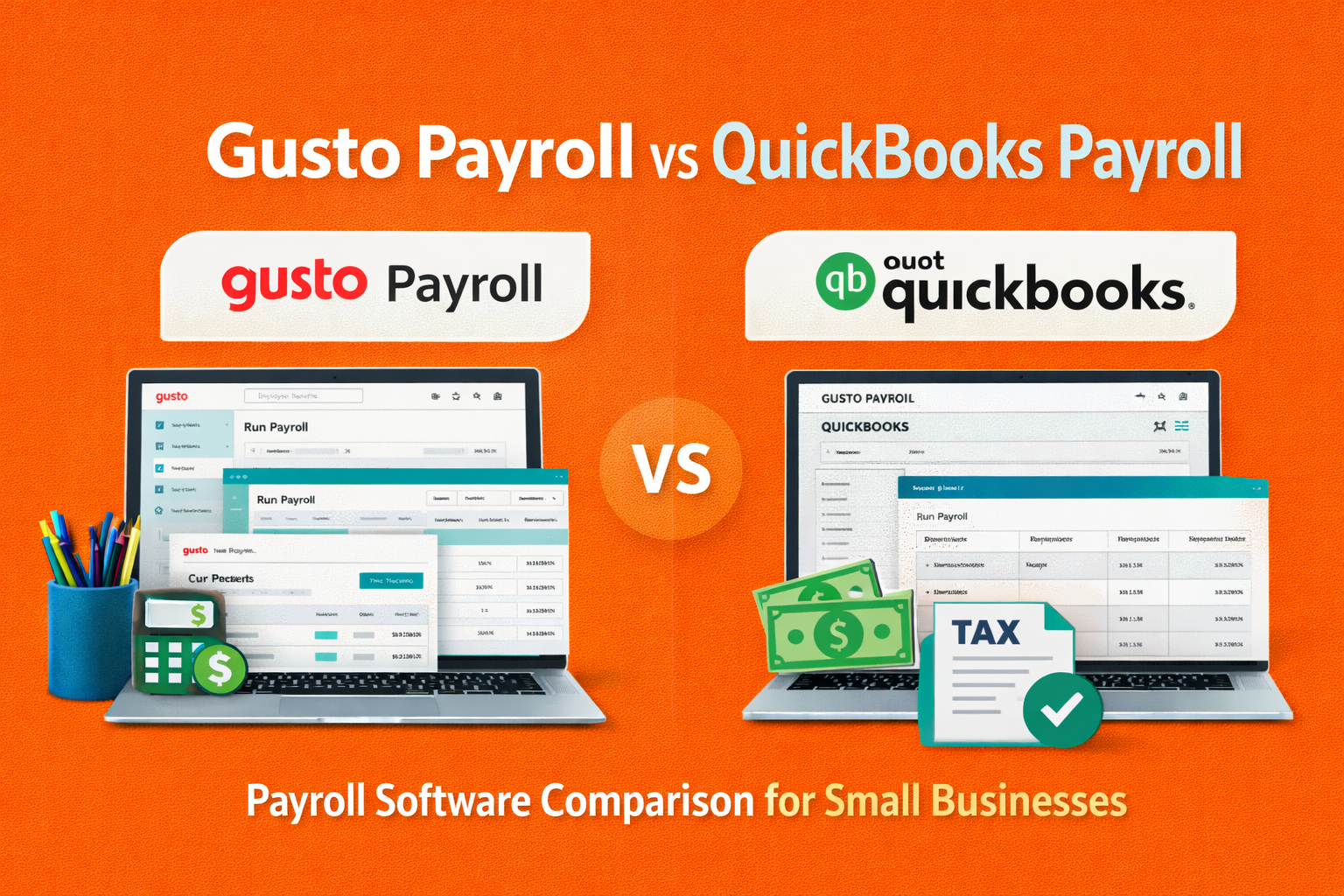
When managing payroll for your business, choosing the right software is essential to ensure efficiency, accuracy, and compliance with tax laws. In this comparison of Gusto Payroll vs QuickBooks Payroll, we’ll dive into the strengths and weaknesses of each service, helping you make an informed decision. Both platforms offer a range of features designed to streamline payroll processing, but they cater to different business needs.
Whether you’re a small business owner or part of a growing company, understanding the unique benefits and pricing of Gusto Payroll vs QuickBooks Payroll will help you choose the best option for your business.
2. Overview of Gusto Payroll
Key Features:
Gusto offers a comprehensive set of features including automated payroll, tax filing, employee benefits management, and time tracking. The software also provides compliance tools that ensure businesses adhere to local, state, and federal tax laws. Gusto also supports direct deposits, benefits packages like health insurance, and 401(k) plans, making it a full-service HR platform.
Pricing Structure:
Gusto offers three pricing plans: Core, Complete, and Concierge. The Core plan is the most affordable, ideal for basic payroll, while the Complete and Concierge plans offer expanded features, including enhanced employee benefits and personalized HR support. The pricing varies based on the number of employees and the chosen plan.
Target Audience:
Gusto is designed with small to medium-sized businesses in mind. It’s especially popular with startups and growing companies looking for an all-in-one solution for payroll, HR, and benefits management, without the need for complex setups.
3. Overview of QuickBooks Payroll
Key Features:
QuickBooks Payroll offers features such as automatic payroll, tax calculations, and direct deposit. It also allows for easy tax filing and ensures compliance with federal and state tax regulations. One of its key advantages is seamless integration with QuickBooks accounting software, making it an excellent choice for businesses already using QuickBooks for their financial management. Additionally, QuickBooks Payroll offers employee benefits management like health insurance and retirement plans.
Pricing Structure:
QuickBooks Payroll has three pricing tiers: Basic, Enhanced, and Full Service. The Basic plan covers essential payroll functions, while the Enhanced plan adds features like tax filing and compliance assistance. The Full Service plan offers the most comprehensive support, including payroll tax calculations and filings handled by QuickBooks’ team, which is ideal for businesses seeking hands-off payroll management.
Target Audience:
QuickBooks Payroll is ideal for small to medium-sized businesses, especially those already using QuickBooks accounting software. Its seamless integration with other Intuit products makes it an excellent choice for businesses that want to streamline both accounting and payroll functions in one platform.
Here’s a comparison table highlighting the key differences between Gusto and QuickBooks Payroll across various factors:
| Feature | Gusto Payroll | QuickBooks Payroll |
|---|---|---|
| Ease of Use | Simple, user-friendly interface with an intuitive setup process. | More complex for non-QuickBooks users; seamless for QuickBooks users. |
| Features and Integrations | Comprehensive HR tools (benefits, time tracking, compliance). | Strong payroll features with accounting integration, but fewer HR tools. |
| Pricing and Plans | Core, Complete, Concierge; clear pricing based on business needs. | Basic, Enhanced, Full Service; varies based on tax filing needs. |
| Customer Support and Reviews | Excellent customer support via phone, email, and chat. Known for helpfulness. | Good support via phone and online chat; more suited for QuickBooks users. |
| Employee Benefits Management | Robust benefits options (health insurance, 401(k), etc.). | Basic benefits options; no comprehensive HR suite like Gusto. |
| Automatic Payroll Tax Calculations | Yes, supports federal, state, and local taxes. | Yes, but benefits more for businesses already using QuickBooks. |
| Tax Filing and Compliance Tools | Automatic tax filing, W-2s, and 1099s. | Tax filing and compliance with the Full Service plan. |
| Employee Self-Service Options | Comprehensive self-service options for employees. | Basic self-service features for paystubs and tax docs. |
| Integrations and Add-Ons | Integrates with Xero, QuickBooks Online, and other software. | Best integrated with QuickBooks accounting and other Intuit products. |
| Accounting and HR Integrations | Strong HR and payroll integration but less accounting-focused. | Seamless integration with QuickBooks accounting software. |
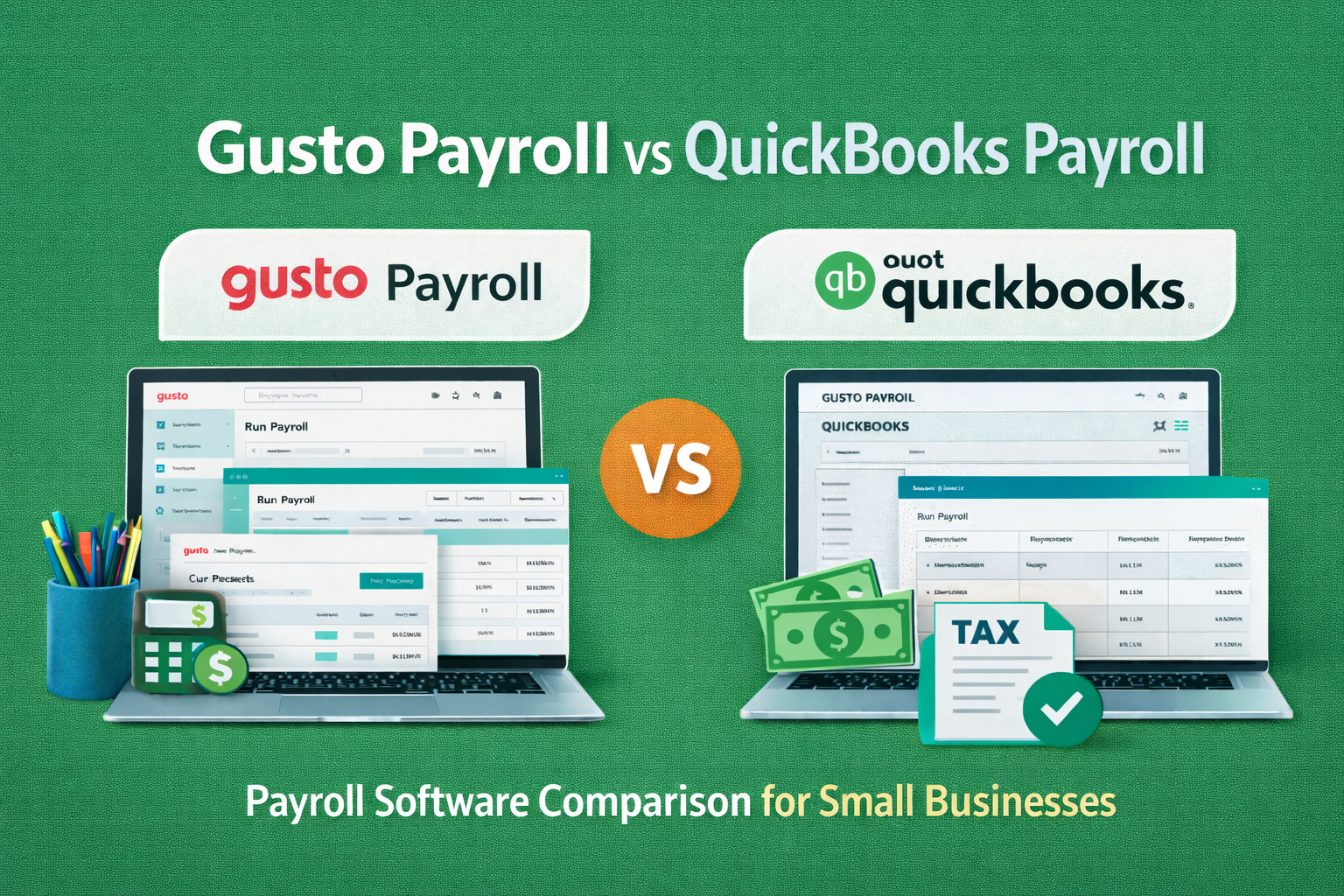
10. Which Payroll Service Is Right for Your Business?
Best for Small Businesses:
Gusto is an excellent choice for small businesses, especially those looking for an all-in-one HR and payroll solution. It’s known for its simplicity and ease of use, making payroll management stress-free for business owners with limited payroll experience. With affordable pricing and a full suite of features, Gusto caters to businesses looking for simplicity and comprehensive employee benefits.
Best for QuickBooks Users:
If your business is already using QuickBooks for accounting, QuickBooks Payroll is the logical choice. Its seamless integration with QuickBooks makes it easy to synchronize payroll and accounting, reducing the need for manual data entry and ensuring financial accuracy. QuickBooks Payroll is a great fit for businesses that need a unified solution for both accounting and payroll management.
Best for Employee Benefits Management:
Gusto excels when it comes to managing employee benefits. If your business is looking to offer a wide range of benefits such as health insurance, 401(k) plans, and wellness programs, Gusto provides these services as part of its standard offerings. It’s a comprehensive HR platform that helps businesses stay compliant with benefits regulations and improve employee satisfaction.
FAQ Section: Gusto Payroll vs QuickBooks Payroll
1. What is the main difference between Gusto and QuickBooks Payroll?
Both Gusto and QuickBooks Payroll are payroll services, but Gusto is known for its easy-to-use interface and employee benefits management, while QuickBooks Payroll excels in integration with QuickBooks accounting software.
2. Which payroll service is better for small businesses: Gusto or QuickBooks Payroll?
Gusto is generally considered more user-friendly and comprehensive for small businesses, offering various employee benefits and an intuitive design. QuickBooks Payroll is a good choice for businesses already using QuickBooks for accounting.
3. Does Gusto offer direct deposit?
Yes, Gusto offers direct deposit to employees, which makes paying your team quick and easy.
4. Can I integrate QuickBooks Payroll with my existing QuickBooks account?
Yes, QuickBooks Payroll is designed to seamlessly integrate with QuickBooks accounting software, which can simplify your financial management.
5. What types of businesses should use Gusto?
Gusto is best suited for small to medium-sized businesses that need payroll, HR services, and benefits management. It’s especially ideal for businesses that want a full-service payroll solution.
6. Is QuickBooks Payroll more expensive than Gusto?
The pricing for both services depends on the plan you choose, but QuickBooks Payroll tends to be slightly more expensive if you’re not already using QuickBooks. Gusto offers competitive pricing for its range of services.
7. Which has better customer support, Gusto or QuickBooks Payroll?
Both Gusto and QuickBooks Payroll offer reliable customer support, but some users report that Gusto’s support is easier to reach and more helpful for payroll-related issues.
8. Does QuickBooks Payroll handle tax filing?
Yes, QuickBooks Payroll automatically calculates and files payroll taxes, helping you stay compliant with tax laws.
11. Conclusion: Gusto Payroll vs QuickBooks Payroll – The Final Verdict
For businesses looking for a user-friendly, all-in-one solution with robust HR and benefits management, Gusto is the clear winner. It’s ideal for small to medium-sized businesses that want a simple yet comprehensive payroll system. On the other hand, if your business already uses QuickBooks for accounting and needs a seamless integration for payroll, QuickBooks Payroll is the best option.
Ultimately, the right service will depend on whether you prioritize HR features, ease of integration, or payroll accuracy, so choose the platform that aligns with your business goals.

Toolsyhub team is a passionate tech enthusiast and writer with a keen interest in software tools, gadgets, and digital innovation. With a background in Accounting, Toolsyhub team has spent years exploring the latest tech trends and sharing insights through various blogs and publications. We enjoys helping readers discover the best tools to streamline their digital workflows and improve productivity.