
FreshBooks Accounting Software has become one of the top choices for small businesses and freelancers seeking an efficient and easy-to-use accounting solution. Known for its user-friendly interface, FreshBooks simplifies the tasks of invoicing, expense tracking, and financial reporting, all in one platform. In this FreshBooks Accounting Software Review, we’ll take a detailed look at its key features, pricing plans, and overall usability to help you decide if it’s the right tool for your business. Whether you’re a freelancer looking to track billable hours or a small business needing comprehensive accounting, FreshBooks aims to streamline financial management for all types of users.
2. What Is FreshBooks?
FreshBooks is a cloud-based accounting software that helps businesses stay on top of their finances with ease. It is tailored for small businesses, freelancers, and self-employed individuals, allowing them to handle their accounting tasks from anywhere. The software focuses on streamlining core financial processes such as creating invoices, tracking expenses, and managing time spent on client work. Its simple interface and powerful features make it an excellent choice for those who need an intuitive tool without complicated accounting knowledge.
2.1 Key Features of FreshBooks
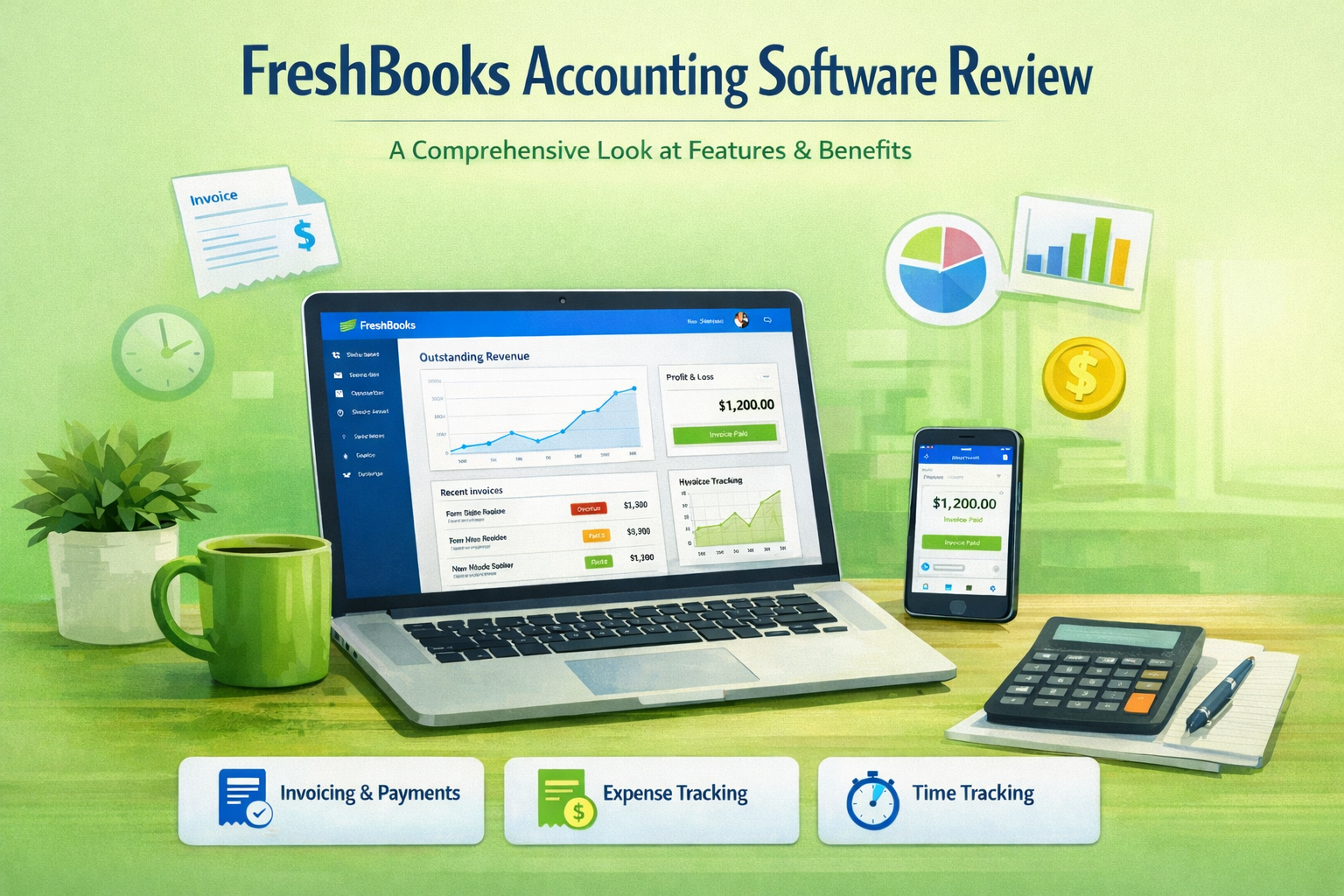
FreshBooks comes packed with features that simplify key accounting tasks. It allows users to create professional invoices with ease and accept online payments directly from clients. The time tracking feature is particularly beneficial for freelancers and service-based businesses, allowing them to log hours worked and bill clients accurately. FreshBooks also includes expense management tools, where you can upload receipts and categorize expenses for easy tracking. With automatic reporting tools, FreshBooks generates financial insights like profit and loss statements, tax summaries, and more, helping business owners stay organized and compliant.
3. FreshBooks Pricing Plans
FreshBooks offers several pricing plans designed to meet the needs of various business types and sizes. The pricing structure is flexible, providing options for individuals just starting out, as well as growing businesses with more complex needs. Each plan provides a different set of features to match the user’s requirements. For example, the lower-tier plans focus on invoicing and expense tracking, while higher-tier plans add advanced features like project management, time tracking, and team collaboration. With monthly or annual billing options, FreshBooks offers cost-effective solutions that can scale with your business.
3.1 Comparison of Pricing Tiers
FreshBooks offers three main pricing tiers: Lite, Plus, and Premium. The Lite plan, ideal for solo freelancers, allows you to send invoices and track expenses for up to five clients. The Plus plan is perfect for small businesses, adding more features like time tracking, recurring invoices, and team collaboration for up to 50 clients. The Premium plan, designed for growing businesses, includes all the features of the Plus plan and supports up to 500 clients with advanced project management tools. Each plan includes a 30-day free trial, allowing you to test the features before committing.
4. Pros and Cons of FreshBooks
FreshBooks stands out for its ease of use and strong customer support, making it ideal for small business owners and freelancers. Its intuitive interface reduces the learning curve, and the cloud-based nature of the platform means you can access your finances from anywhere. However, FreshBooks may not be suitable for businesses that need advanced features like inventory management or complex payroll systems. Additionally, the pricing plans may be more expensive compared to other entry-level accounting software, especially for businesses with many clients. It’s important to evaluate these factors before deciding.
4.1 Pros
One of the biggest advantages of FreshBooks is its ease of use. The platform is designed with simplicity in mind, ensuring that even users with limited accounting knowledge can quickly get the hang of it. FreshBooks also offers 24/7 customer support, ensuring that help is always available when you need it. The software’s invoicing and expense tracking features are robust, and the ability to accept payments online makes it convenient for both business owners and clients. Additionally, FreshBooks provides detailed reporting and tax tools, making financial management much easier for small businesses and freelancers.
4.2 Cons
While FreshBooks excels in invoicing, time tracking, and expense management, it lacks certain features that larger businesses might need. For instance, FreshBooks does not offer built-in inventory management, which can be crucial for businesses dealing with physical products. Additionally, the higher-tier plans can be quite pricey, especially for businesses with a growing client base. Businesses that require more advanced accounting tools, like detailed financial forecasting or comprehensive payroll management, may find FreshBooks lacking in these areas, making it better suited for small businesses rather than larger, more complex organizations.
5. FreshBooks Features in Detail
FreshBooks packs a variety of features designed to simplify financial management for entrepreneurs. The software’s main focus is on ease of use and streamlining accounting tasks, so business owners can spend more time running their business and less time managing finances. Key features include customizable invoices, time tracking, expense categorization, and real-time reporting. FreshBooks also supports online payments, making it easier for clients to pay quickly. Let’s explore these features in more detail.
5.1 Invoicing and Billing
FreshBooks simplifies the invoicing process with customizable templates that allow users to create professional invoices in just a few clicks. You can personalize invoices with your company logo, choose from various payment methods, and set up recurring billing for ongoing clients. The software also allows you to track when invoices are viewed, ensuring transparency. For added convenience, FreshBooks supports online payments through integrations with services like PayPal and Stripe, allowing clients to pay directly from the invoice with just a few clicks.
5.2 Time Tracking
FreshBooks includes a built-in time tracking feature that makes it easy for freelancers and service-based businesses to track billable hours. The time tracker is simple to use, allowing you to start and stop timers as you work on different projects. You can also add time manually and categorize it by project or client. This feature ensures accurate billing and helps you stay organized when working on multiple client projects. For businesses that need to keep a detailed record of hours worked, FreshBooks provides an essential tool for streamlined client invoicing.
5.3 Reporting and Analytics
FreshBooks offers comprehensive reporting tools to help business owners monitor their financial health. You can generate key reports such as profit and loss statements, balance sheets, tax summaries, and time-tracking reports. These reports provide clear insights into how your business is performing and help you prepare for tax season. FreshBooks’ reports are customizable, making it easy to tailor them to the specific needs of your business. With real-time updates, FreshBooks ensures that the reports reflect your current financial status, so you can make informed decisions quickly.
5.4 Expense Management
Expense management in FreshBooks is seamless, allowing users to upload receipts and categorize expenses as they occur. You can also track recurring expenses, such as monthly subscriptions or office supplies, which helps with budgeting and financial planning. The expense tracking feature integrates with bank accounts and credit cards, making it easy to reconcile your business expenses in real time. By keeping your expenses organized, FreshBooks ensures that you can accurately track your cash flow and prepare for tax season without stress.
6. FreshBooks Integrations
Starting Sentence:
FreshBooks integrates with a wide variety of third-party apps, allowing you to connect it with other tools you already use in your business.
FreshBooks offers a range of integrations with popular business tools, ensuring that it works seamlessly within your existing workflow. You can connect FreshBooks with payment processors like PayPal and Stripe, CRM tools like HubSpot, and project management apps like Asana. FreshBooks also integrates with time-tracking apps, marketing platforms, and eCommerce solutions such as Shopify. These integrations enhance the functionality of FreshBooks and allow you to automate many aspects of your business operations, reducing the need for manual input and improving overall efficiency.
7. FreshBooks Customer Support
FreshBooks prides itself on its excellent customer support, offering 24/7 live chat, email support, and phone support for users who need assistance. The platform also provides an extensive knowledge base, complete with articles, video tutorials, and FAQs to help users navigate the software. Whether you’re new to accounting software or have specific technical questions, FreshBooks’ support team is readily available to provide assistance. The combination of various support channels ensures that users receive help when they need it, making FreshBooks a reliable choice for business owners.
8. How FreshBooks Stacks Up Against Competitors
FreshBooks is often compared to other accounting platforms like QuickBooks, Xero, and Wave. While QuickBooks offers more advanced accounting features like payroll and inventory management, FreshBooks is known for its simplicity and ease of use. Xero, like FreshBooks, is designed for small businesses, but it offers more complex accounting features, making it better suited for businesses with more advanced needs. Wave is a free accounting tool, but its feature set is more limited compared to FreshBooks. FreshBooks strikes a balance between usability and powerful accounting tools, making it a great option for small businesses and freelancers.
9. Is FreshBooks Worth It?
FreshBooks is a strong contender for small business owners and freelancers looking for an intuitive, cloud-based accounting solution. While it may not have all the advanced features that larger businesses require, its ease of use, customer support, and essential accounting tools make it a great choice for entrepreneurs. The tiered pricing plans cater to various business sizes, and the 30-day free trial gives users a risk-free opportunity to try out the software. Overall, FreshBooks is a solid investment for those who prioritize simplicity and effective financial management.
FAQ Section: FreshBooks Accounting Software Review
- What is FreshBooks accounting software used for?
- FreshBooks is designed for small businesses and freelancers to manage invoicing, time tracking, expense management, and financial reporting.
- Is FreshBooks easy to use?
- Yes, FreshBooks is known for its user-friendly interface, making it easy for users with no accounting experience to navigate and perform essential tasks.
- How much does FreshBooks cost?
- FreshBooks offers multiple pricing plans starting from $15 per month. The cost depends on the features and number of clients you need to manage.
- Can FreshBooks handle payroll?
- FreshBooks does not include payroll functionality by default, but it can integrate with third-party payroll providers like Gusto.
- Does FreshBooks integrate with other software?
- Yes, FreshBooks integrates with various third-party applications, including PayPal, Stripe, Gusto, and Shopify, to enhance its functionality.
- Is FreshBooks secure?
- FreshBooks employs strong encryption to protect your data, ensuring that sensitive financial information is stored securely.
- Can I track my time with FreshBooks?
- Yes, FreshBooks has a built-in time tracking feature, which is perfect for freelancers and service businesses who bill by the hour.
- Is FreshBooks good for taxes?
- FreshBooks offers tax-friendly features like tax tracking, expense categorization, and the ability to generate tax reports for easier filing.
- Can FreshBooks be used by large businesses?
- While FreshBooks is tailored for small businesses and freelancers, larger companies may find its features somewhat limited compared to more advanced accounting software.
- Is there a FreshBooks mobile app?
- Yes, FreshBooks offers a mobile app for both iOS and Android, allowing users to manage their finances on the go.
10. Conclusion
FreshBooks offers a comprehensive and easy-to-use solution for small business owners and freelancers looking to streamline their accounting processes. Its robust feature set, coupled with affordable pricing plans, makes it an appealing option for many. Whether you need invoicing, time tracking, or expense management, FreshBooks has the tools to support your business needs. With excellent customer support and the ability to scale as your business grows, FreshBooks is a valuable tool for anyone looking to simplify their finances.

Toolsyhub team is a passionate tech enthusiast and writer with a keen interest in software tools, gadgets, and digital innovation. With a background in Accounting, Toolsyhub team has spent years exploring the latest tech trends and sharing insights through various blogs and publications. We enjoys helping readers discover the best tools to streamline their digital workflows and improve productivity.