
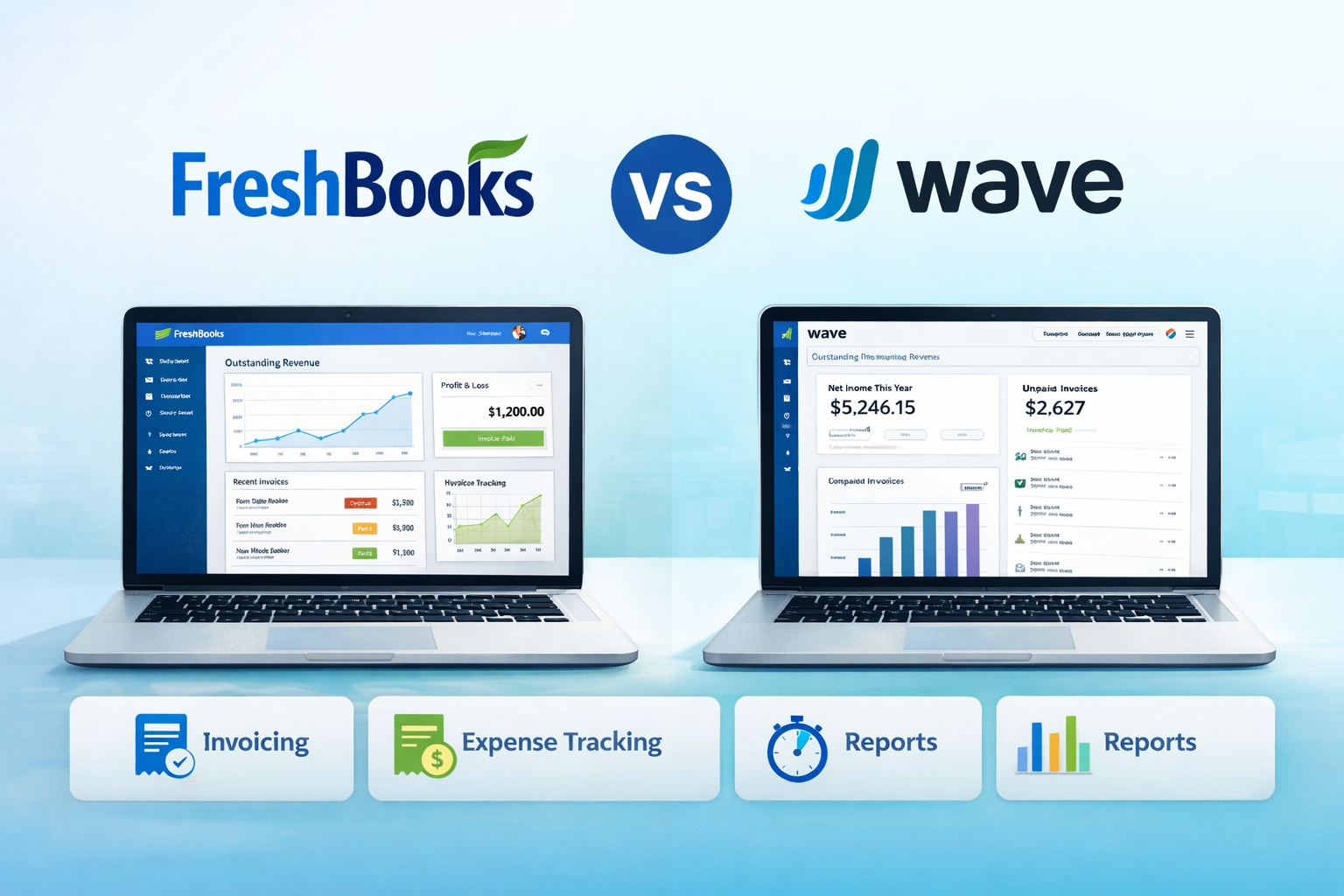
When it comes to accounting software, FreshBooks vs Wave is a common comparison among small business owners, freelancers, and entrepreneurs. Both platforms offer key features that can help streamline your financial management, but they cater to different types of businesses. FreshBooks is known for its advanced invoicing, time tracking, and reporting features, making it ideal for service-based businesses and those with growing needs.
On the other hand, Wave is a free option that covers the basics, which makes it a great choice for startups and businesses on a budget. In this comparison, we’ll dive into the differences to help you determine the best fit for your business.
1. Overview of FreshBooks
FreshBooks is a cloud-based accounting solution designed primarily for small business owners, freelancers, and service-based businesses. The platform aims to simplify accounting tasks such as invoicing, expense tracking, and time management, making it an excellent choice for non-accountants. With FreshBooks, businesses can easily manage their financial operations in one place while focusing on growing their business. It offers a range of tools to handle the day-to-day tasks of business accounting and financial reporting, allowing entrepreneurs to track income, expenses, and even collaborate with clients more effectively.
1.1 Key Features of FreshBooks
Some standout features of FreshBooks include invoicing, time tracking, expense management, and client communication tools that streamline financial operations for service-based businesses. The invoicing tool allows businesses to create and send professional invoices, set recurring invoices, and even automate payment reminders. Time tracking helps businesses bill clients accurately by tracking billable hours directly in the system. Expense management makes it easy to track costs and categorize expenses, ensuring businesses stay within budget. Additionally, FreshBooks includes tools for better client communication, such as customizable quotes, proposals, and a client portal for easy collaboration.
1.2 Ease of Use
FreshBooks is known for its simple and intuitive interface, making it ideal for those who are not well-versed in accounting. The platform is designed with non-accountants in mind, offering a clean layout and easy navigation. Users can quickly understand how to use features like invoicing, time tracking, and expense categorization without requiring extensive accounting knowledge. The dashboard is well-organized, giving users an overview of their financial status, including outstanding invoices, expenses, and recent activity. FreshBooks also provides a comprehensive help center, tutorials, and customer support, ensuring a smooth experience for new users.
1.3 Pricing Plans
FreshBooks offers several pricing tiers, making it scalable for businesses of different sizes, from freelancers to growing enterprises. The pricing structure includes plans such as the “Lite” plan, which is ideal for solopreneurs and small businesses with basic needs, and more advanced plans like the “Plus” and “Premium” plans, which offer additional features like team collaboration, more clients, and advanced reporting. FreshBooks also allows businesses to upgrade or downgrade their plan as they grow, ensuring flexibility. Additionally, FreshBooks offers a free trial, so businesses can test the platform before committing to a subscription.
2. Overview of Wave
Wave is a free accounting software solution aimed at small businesses and freelancers, providing essential tools to manage finances without the high cost. It offers a simple, user-friendly interface that helps businesses stay organized and keep track of important financial data. Wave’s core features, such as invoicing, accounting, and receipt management, are entirely free, making it an ideal choice for businesses on a tight budget. While the software may not offer as many advanced features as paid platforms, it is an excellent solution for startups and small businesses looking to handle their finances with minimal overhead.
2.1 Key Features of Wave
Wave provides essential tools for invoicing, accounting, and receipts, which are crucial for managing the financial operations of small businesses. With invoicing, users can easily create and send professional invoices, customize them to fit their brand, and track payments. The accounting feature allows businesses to track income, expenses, and generate basic financial reports such as profit and loss statements. Wave also offers a receipt scanning tool, making it easy to upload and categorize receipts for tax purposes. For additional costs, Wave also provides payroll services and payment processing, allowing businesses to pay employees and accept credit card payments directly.
2.2 Ease of Use
Wave’s clean and straightforward interface allows users to navigate and manage their finances without complexity. Designed for small business owners who may not have a background in accounting, Wave prioritizes simplicity. Its dashboard is easy to understand, displaying key financial metrics such as outstanding invoices, cash flow, and expenses. The software requires minimal training, and users can quickly learn how to perform tasks like generating invoices, tracking payments, and reconciling accounts. Wave’s user-friendly design makes it an ideal choice for freelancers and small businesses who need an efficient, no-fuss solution to manage their finances.
2.3 Pricing Plans
Wave is known for being completely free for its core accounting and invoicing features, making it a standout option for businesses on a budget. These features include unlimited invoicing, receipt scanning, and basic accounting tools. However, there are additional costs for certain premium features, such as payroll services and payment processing. For instance, businesses using Wave for payroll will incur a cost based on the number of employees. Payment processing fees also apply when accepting credit card payments. Despite these paid features, Wave’s free core offerings make it a highly cost-effective choice for small businesses and freelancers.
Here is a comparison table summarizing the key features, pros, cons, and customer support differences between FreshBooks and Wave:
| Feature | FreshBooks | Wave |
|---|---|---|
| Invoicing and Billing | Advanced customization for invoices and billing. | Simple invoicing tool focused on ease of use. |
| Time Tracking | Built-in time tracking for service-based businesses. | Does not offer native time tracking. |
| Expense Tracking | Advanced categorization, detailed reporting. | Basic expense tracking suitable for small businesses. |
| Reporting | Comprehensive financial reports, including project-based. | Basic financial reports like profit & loss and balance sheets. |
| Ease of Use | Simple, intuitive design with advanced features. | Clean, straightforward interface with fewer advanced features. |
| Pricing | Paid plans with a free trial. | Free core features, with paid options for payroll and payment processing. |
| Target Audience | Best for service-based businesses, freelancers, and growing companies. | Ideal for small businesses, freelancers, and those on a budget. |
| Pros | User-friendly, advanced features, strong customer support. | Free core features, straightforward, budget-friendly. |
| Cons | Paid plans may not suit those on a tight budget, complex features for small needs. | Limited advanced features like time tracking and inventory management. |
| Customer Support | 24/7 support via phone, email, and live chat. | Support through email and an online knowledge base. |
7. Which is Right for Your Business?
Starting Sentence:
Deciding between FreshBooks and Wave depends on your business size, budget, and required features. Each platform offers unique benefits, so it’s important to evaluate your business needs before making a choice.
7.1 FreshBooks: Best for Growing Businesses and Service Providers
Starting Sentence:
FreshBooks is ideal for service-based businesses and freelancers who require more advanced features like time tracking and reporting, and can afford the subscription. As businesses grow, managing finances can become more complex, and FreshBooks addresses these needs with its comprehensive suite of tools.
Key Features:
- Time Tracking & Invoicing: FreshBooks allows users to track billable hours and generate detailed invoices automatically.
- Advanced Reporting: The platform offers extensive reporting options to monitor cash flow, expenses, and profitability.
- Project Management Tools: With collaboration features, FreshBooks is perfect for teams needing to manage multiple clients and projects simultaneously.
7.2 Wave: Best for Small Businesses and Freelancers on a Budget
Starting Sentence:
Wave is perfect for small businesses and freelancers who need essential accounting features without the high cost, though it may fall short for businesses with more complex needs. It provides a free solution for basic accounting tasks, making it an attractive option for startups or individuals.
Key Features:
- Free Basic Features: Wave offers free invoicing, accounting, and receipt scanning, making it an ideal choice for small businesses on a tight budget.
- Basic Reports: Users can access essential financial reports like profit and loss statements, but without the depth available in FreshBooks.
- Limitations for Scaling: While suitable for startups, larger or growing businesses may find Wave’s features limited as they need more advanced tools for complex financial management.
FAQ Section: FreshBooks vs Wave
- What is the main difference between FreshBooks and Wave?
- FreshBooks is a paid accounting software that offers advanced features like time tracking and reporting, while Wave is free and provides basic accounting tools without the need for a subscription.
- Which is better for freelancers: FreshBooks or Wave?
- Both FreshBooks and Wave are great for freelancers, but FreshBooks offers more advanced features such as time tracking and project management, which might be more useful for freelancers with complex needs.
- Does Wave offer payroll services?
- Wave does offer payroll services, but these are paid features. The basic accounting, invoicing, and expense tracking tools are free.
- Can I use FreshBooks for inventory management?
- FreshBooks does not have an extensive inventory management system, but it is a great tool for service-based businesses and freelancers who don’t require such functionality.
- Is Wave really free?
- Yes, Wave is free for its core accounting and invoicing features. However, there are additional costs for paid features like payroll and payment processing.
- Is FreshBooks worth the price?
- FreshBooks is worth the price for businesses that need advanced features like time tracking, customizable invoicing, and detailed reporting, especially if they need support and scalability.
- Can I integrate Wave with other software?
- Yes, Wave offers integration with various apps like PayPal, Stripe, and others, making it easier to connect with your existing tools.
- Which one is better for small businesses: FreshBooks or Wave?
- Wave is better suited for small businesses on a tight budget, while FreshBooks is ideal for growing businesses that need more sophisticated accounting and reporting features.
Conclusion
Both FreshBooks and Wave offer excellent accounting solutions, but the best choice depends on your specific business needs, budget, and growth plans. If you need advanced features and are ready to invest in your business’s growth, FreshBooks might be the right option. However, if you’re a small business or freelancer just starting out or looking to save on costs, Wave offers a strong, cost-effective solution.

Toolsyhub team is a passionate tech enthusiast and writer with a keen interest in software tools, gadgets, and digital innovation. With a background in Accounting, Toolsyhub team has spent years exploring the latest tech trends and sharing insights through various blogs and publications. We enjoys helping readers discover the best tools to streamline their digital workflows and improve productivity.