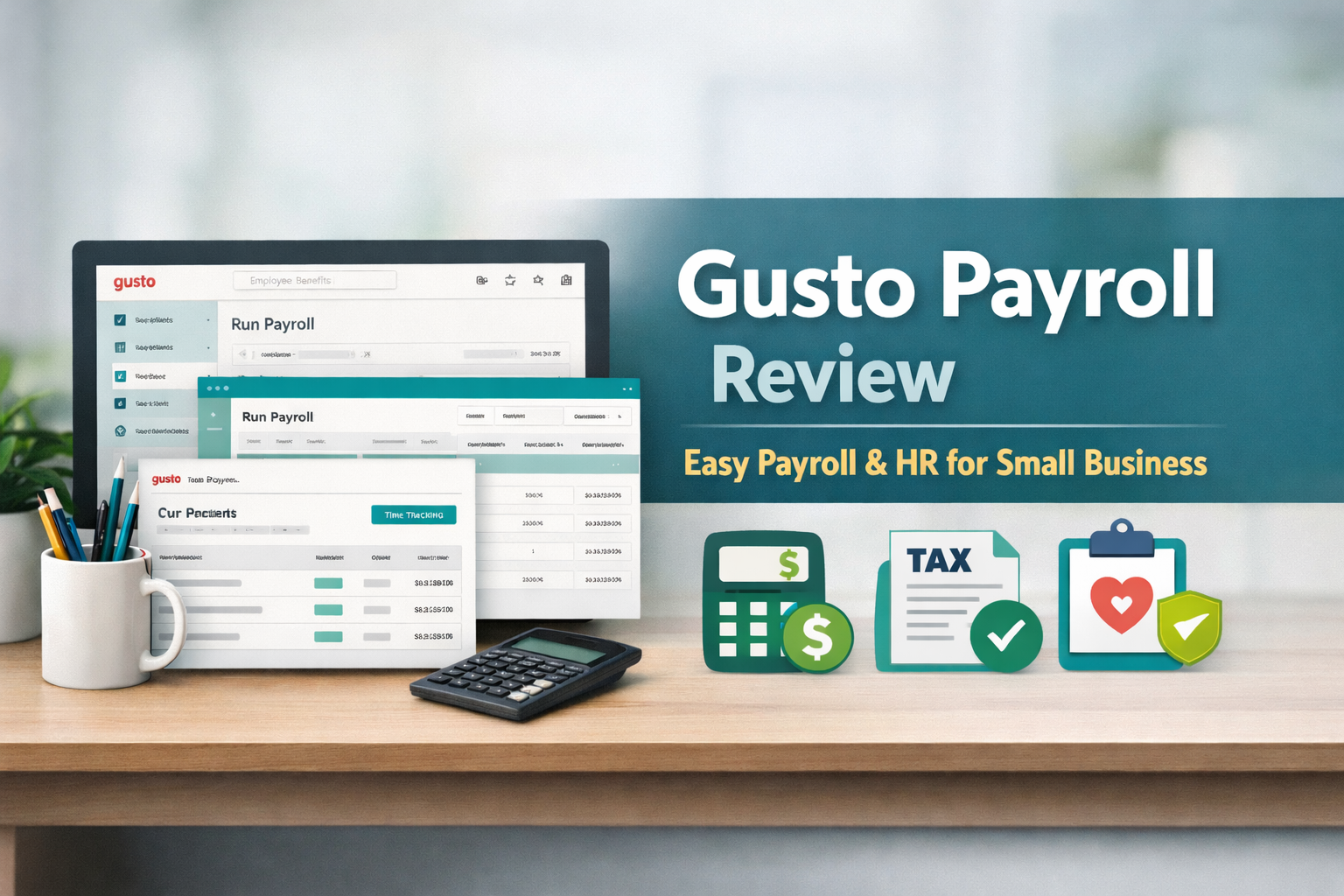
In today’s fast-paced business environment, Gusto stands out as a leading cloud-based solution for payroll, benefits, and HR management. Tailored especially for small to medium-sized enterprises in the United States, it simplifies complex tasks like payroll processing, tax compliance, and employee benefits through automation and an accessible design.
What is Gusto Payroll Software?
Gusto serves as an all-in-one platform that manages payroll for W-2 employees and 1099 contractors, automates tax calculations and filings, facilitates benefits enrollment, and supports basic HR functions such as onboarding and time-off tracking. It’s built to help business owners focus on growth rather than administrative burdens.
Key Features of Gusto
The platform excels with a clean, modern interface that includes an easy-to-navigate dashboard, full automation of tax filings in all 50 states, integrated time tracking (on higher plans), an employee self-service app for pay stubs and documents, and robust connections to tools like QuickBooks, Xero, and various time clocks. Additional perks include health benefits brokerage, workers’ compensation integration, and compliance alerts.
Pricing Plans
Gusto uses a straightforward monthly structure with no annual contracts. Costs include a base fee plus a per-person charge, billed only for active users. Current plans (as of December 2025) are:
- Simple: $49 base + $6 per employee – Covers single-state payroll, basic PTO, and core tax automation.
- Plus: $80 base + $12 per employee – Adds multi-state support, built-in time tracking, next-day deposits, and advanced project costing.
- Premium: $180 base + $22 per employee – Includes dedicated support, HR expert access, performance tools, and custom reporting.
- Contractor Only: $0 base (promotional for first 6 months) + $6 per contractor – Handles 1099 payments and filings, with limited HR features.
Various add-ons like faster deposits or enhanced HR resources are available, and promotions may apply.
Pros of Using Gusto
Many businesses appreciate Gusto’s straightforward setup and navigation, which make payroll runs quick and error-free. The automated tax handling provides peace of mind, eliminating worries about filings or penalties. Unlimited payrolls, seamless integrations, and employee-friendly tools like self-service portals often save significant time. Users also value the built-in benefits options and overall reliability for everyday operations.
Cons of Using Gusto
Feedback highlights occasional delays in customer support, particularly during busy periods, with some experiencing scripted or inconsistent responses. Complex scenarios, such as multi-state setups or custom tax adjustments, can lead to errors if not configured perfectly. Costs can rise with team growth or add-ons, and there’s limited native support for international employee payroll beyond contractors.
User Reviews and Ratings
Gusto maintains strong ratings across major platforms in 2025, typically around 4.5–4.6 out of 5 on sites like G2 and Capterra, based on thousands of verified reviews. It’s frequently praised for simplifying payroll for small teams and ranked highly in ease-of-use categories. Positive comments focus on time savings and intuitive design, while critical notes often mention support challenges or feature gaps for larger operations.
Alternatives to Gusto
If Gusto doesn’t fit perfectly, consider options like OnPay for more affordable full-service payroll, Rippling for advanced global and IT integrations, QuickBooks Payroll for tight accounting ecosystem ties, or ADP RUN for greater scalability in expanding companies. Each offers unique strengths depending on budget, team size, or international needs.
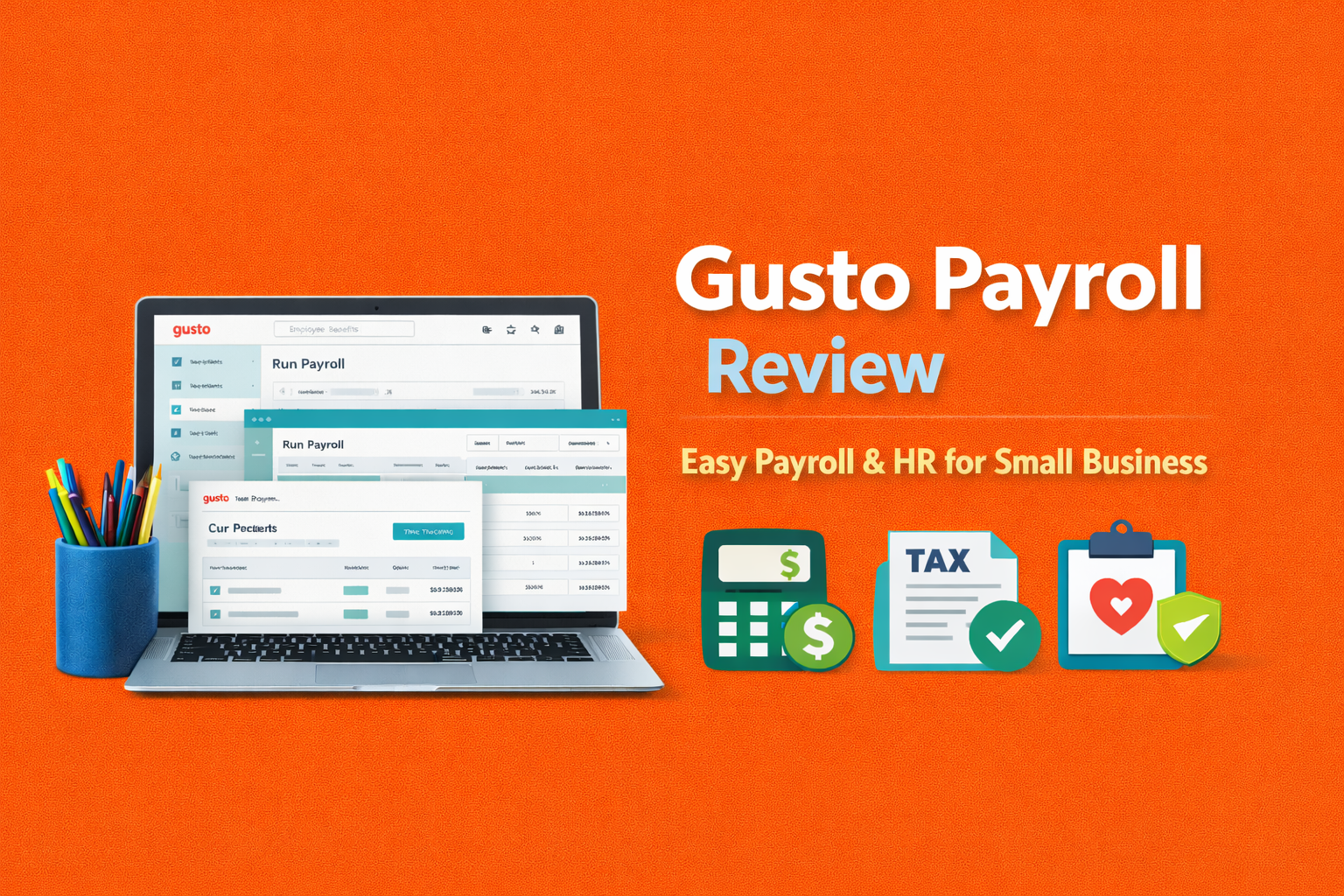
FAQ: Gusto Payroll Software Reviews
- What is Gusto payroll software best for?
It’s ideal for small to mid-sized U.S. companies seeking streamlined automation for payroll taxes, benefits setup, and basic HR tasks without needing advanced enterprise features.
2. How much does Gusto payroll cost?
Plans begin at $49 monthly base plus $6 per person for core features, rising to $80+ base and $12 per person for more advanced options; contractor-focused plans start lower with promotions.
3. Is Gusto payroll worth it?
For many small teams, absolutely—its automation and ease often outweigh costs by reducing admin time and errors, though larger or more complex operations might find better value elsewhere.
4. What are the main pros and cons of Gusto?
Strengths include intuitive navigation, dependable tax automation, unlimited runs, and helpful integrations; drawbacks can involve support wait times, potential setup glitches in nuanced cases, and escalating fees for extras.
5. Does Gusto handle multi-state payroll?
Yes, this is included in Plus and Premium tiers, with automated filings across states.
6. How good is Gusto’s customer support?
Responses vary: many find it knowledgeable and efficient via phone or chat, but others report longer waits or less personalized help during peaks.
7. Can Gusto pay contractors?
Absolutely, with a specific plan for 1099 workers, including form generation, and add-ons for international payments.
8. Is Gusto better than QuickBooks Payroll or ADP?
It varies by needs—Gusto shines in user-friendliness for smaller setups, QuickBooks excels in accounting synergy, and ADP offers more robust scaling for bigger teams.
9. Does Gusto offer time tracking?
Integrated time tracking with payroll sync is built into Plus and higher plans.
10. Are there any common complaints about Gusto?
Users sometimes note rare processing hiccups, configuration-dependent tax issues, support inconsistencies, and increasing expenses as teams or features expand.
Conclusion
Gusto remains a top pick for U.S.-based small businesses wanting a reliable, automated system that combines payroll with essential HR tools. Its focus on simplicity and compliance delivers real value, though teams with intricate requirements or high support expectations should weigh the trade-offs carefully.

Toolsyhub team is a passionate tech enthusiast and writer with a keen interest in software tools, gadgets, and digital innovation. With a background in Accounting, Toolsyhub team has spent years exploring the latest tech trends and sharing insights through various blogs and publications. We enjoys helping readers discover the best tools to streamline their digital workflows and improve productivity.