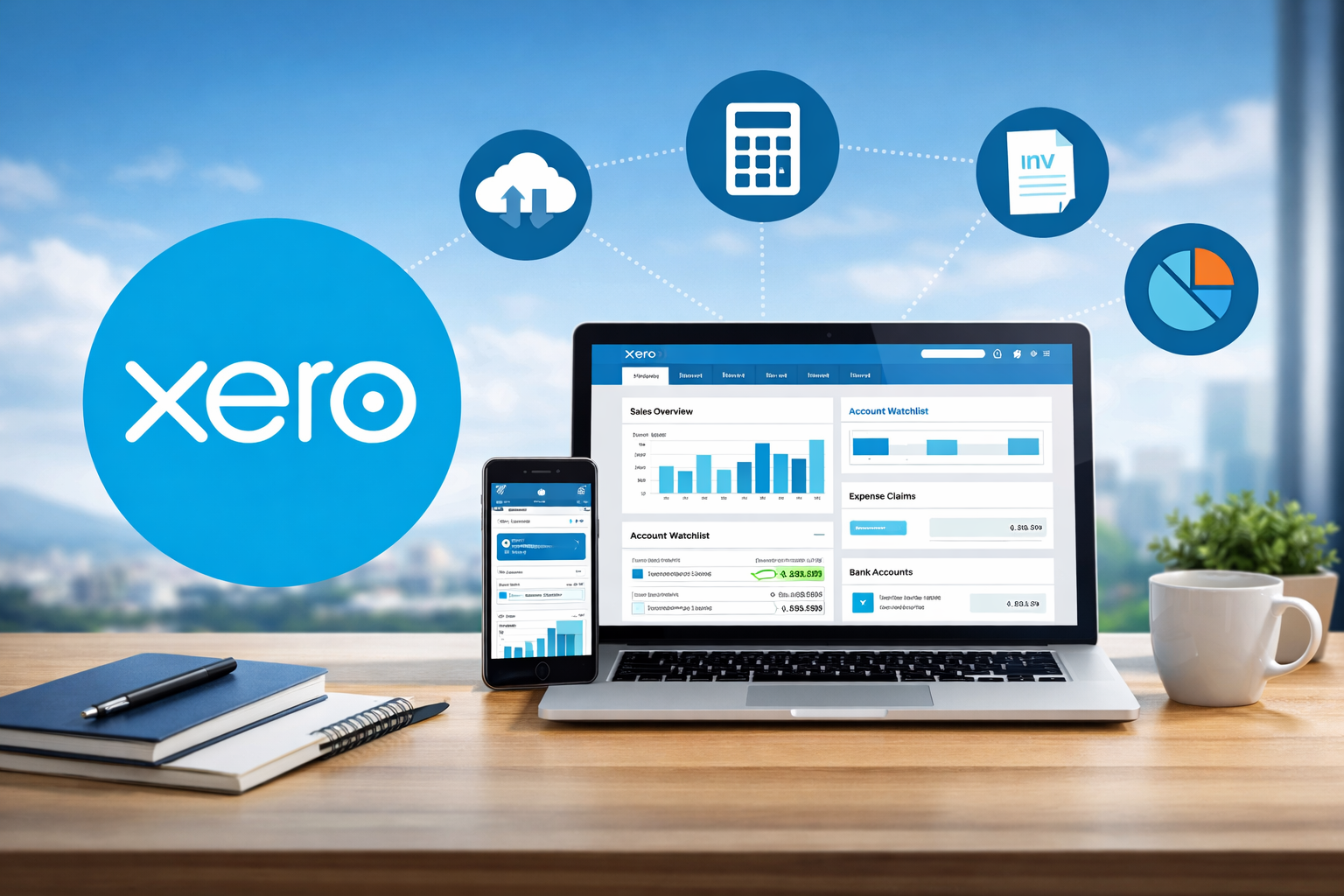
Xero continues to be a leading cloud-based accounting platform in 2025 and beyond, favored by small to medium-sized businesses for its clean design, robust automation, and extensive app ecosystem that simplifies invoicing, expense tracking, and financial reporting.
What is Xero Accounting Software?
Xero is a New Zealand-based online accounting solution built for entrepreneurs, freelancers, and growing companies, providing tools for bank reconciliation, invoicing, payroll integration, inventory management, and real-time collaboration with advisors.
Key Features of Xero
Xero delivers an intuitive dashboard with automated bank feeds from thousands of institutions, customizable invoicing with online payments, expense claims via mobile app, project tracking, multi-currency support on higher plans, and over 1,000 third-party integrations for added functionality.
Pricing Plans
Xero’s subscription plans are feature-based with unlimited users: Early (around $20/month with limits on invoices/bills), Growing ($47/month for unlimited transactions), and Established ($80/month adding advanced tools like analytics and multi-currency); promotions often reduce initial costs significantly.
Pros of Using Xero
Business owners appreciate Xero’s modern interface, seamless bank connections, strong mobile capabilities, unlimited user access at no extra charge, reliable automation for reconciliations, and vast integration options that enhance efficiency without complexity.
Cons of Using Xero
Common criticisms include occasional price increases, a learning curve for advanced features, limited direct customer support (primarily email-based), restrictions on lower plans like invoice limits, and reliance on add-ons for full payroll or inventory depth.
User Reviews and Ratings
In 2025, Xero maintains solid ratings of 4.4–4.5 stars on platforms like G2, Capterra, and Trustpilot, with users praising its ease for daily tasks and collaboration, though some note frustrations with support response times and feature gaps for larger operations.
Alternatives to Xero
Strong competitors include QuickBooks Online for more advanced reporting and U.S.-focused support, FreshBooks for invoicing-heavy freelancers, Zoho Books for budget options with free tiers, and Wave for completely free basic accounting needs.
FAQ: Xero Accounting Software Review
- What is Xero accounting software best for?
Xero is ideal for small to medium-sized businesses, freelancers, and growing teams needing cloud-based automation for invoicing, bank reconciliations, expenses, and multi-currency operations.
2. How much does Xero cost in 2025?
Plans start at approximately $20/month for Early (limited invoices), $47/month for Growing (unlimited basics), and $80/month for Established (advanced features); discounts like 90% off initial months are common for new users.
3. Is Xero worth it for small businesses?
Its intuitive design, unlimited users, and time-saving automations provide strong value, especially with integrations, though startups may find lower tiers restrictive or prefer free alternatives.
4. What are the main pros and cons of Xero?
Pros: Clean interface, automated feeds, mobile app, vast integrations, unlimited users; cons: Potential price hikes, limited phone support, learning curve for complex setups, and add-on needs for full features.
5. Does Xero have inventory management?
Basic tracking is available across plans (updates with sales/purchases), with advanced options like detailed stock control via add-ons or higher integrations.
6. Is Xero better than QuickBooks?
It depends: Xero often wins for modern design, unlimited users, and global/multi-currency focus; QuickBooks excels in U.S. compliance, advanced inventory, and direct support.
7. How good is Xero’s customer support?
Support is primarily through email, help center, and community resources—knowledgeable but response times vary; no standard phone support, though some users praise guided setups.
8. Does Xero handle payroll?
Payroll is integrated via partners like Gusto in the U.S., with native options in select regions; it’s reliable but may require add-ons for full tax filing.
9. Is Xero easy to use?
Generally yes—its dashboard and flows are intuitive for beginners, though advanced reporting or customizations can have a moderate learning curve.
10. Are there common complaints about Xero?
Users sometimes report bank feed disconnects, invoice interface changes, rising costs, limited customization in reports, and occasional bugs in updates.
Conclusion
Xero excels as a scalable, user-friendly choice for internationally minded small businesses valuing integrations and automation, making it a worthwhile investment for those outgrowing basic tools—though evaluating current promotions and specific needs is recommended.

Toolsyhub team is a passionate tech enthusiast and writer with a keen interest in software tools, gadgets, and digital innovation. With a background in Accounting, Toolsyhub team has spent years exploring the latest tech trends and sharing insights through various blogs and publications. We enjoys helping readers discover the best tools to streamline their digital workflows and improve productivity.